Grok is xAI's assistant for chat, live search, files, code, images and video. It is useful, but it still needs checking.
1. Who this is for
This is for the person who keeps seeing Grok mentioned and wants the straight answer. You might be a student, creator, founder, developer or just someone wondering whether another AI tab is worth your time.
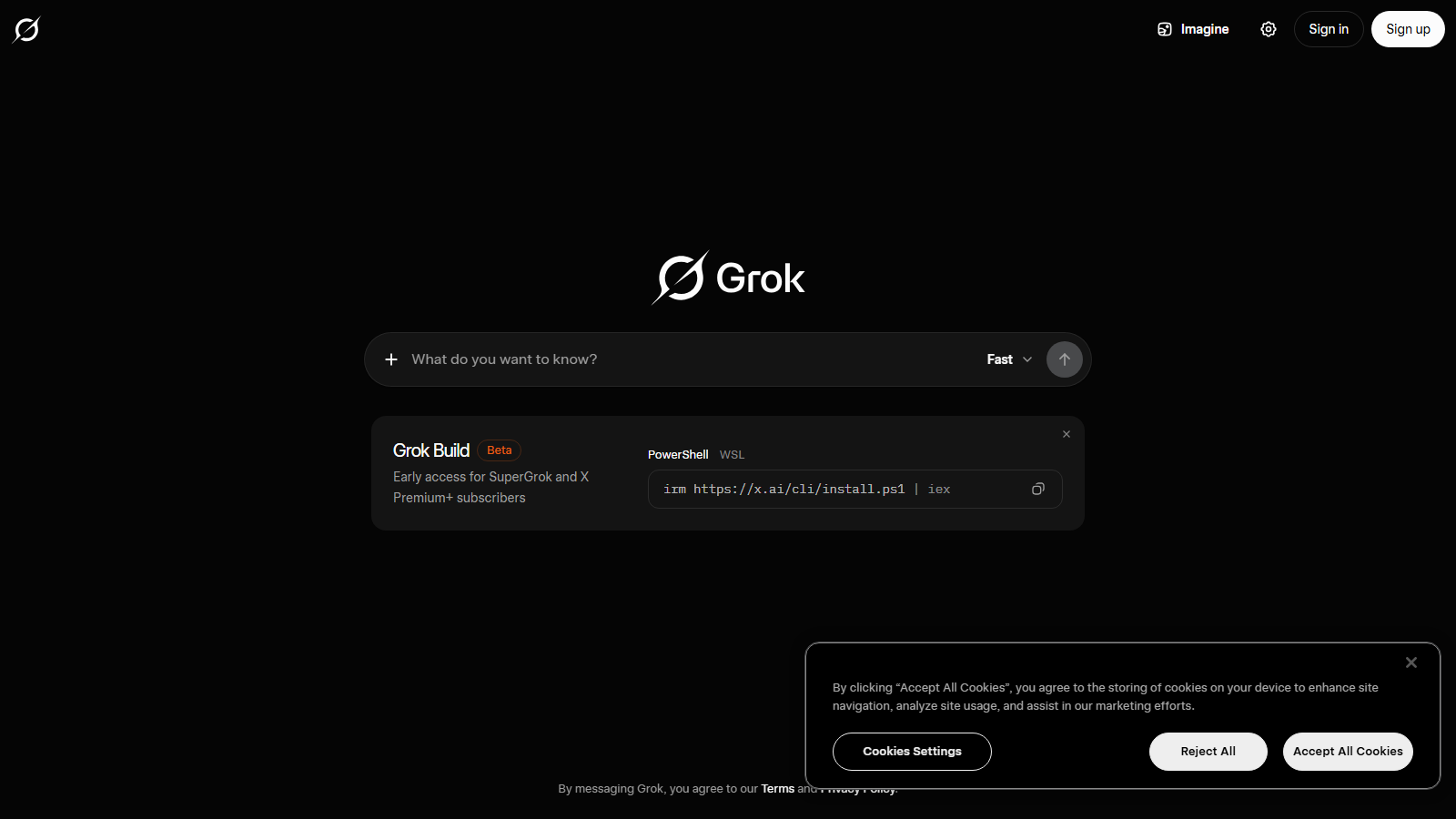
Grok is xAI's AI assistant. The official page says it is available on web, iOS and Android, and describes chat, search, reasoning and creation in one place.
If you are worried about choosing the wrong tool, start smaller. Ask whether Grok helps with a task you already repeat, not whether it is the best AI in the abstract.
2. The basic picture
The official Grok page says Grok can search the live web, use current X context, show citations, answer in voice, analyse files and generate images and video. That makes it strongest when the answer depends on what is happening now.
That does not make every answer final. Live search can still surface old pages, weak summaries or loud opinions. Treat Grok as a fast route to sources, not as the source itself.
A good prompt asks for confirmed facts, primary links, public reaction and open questions. Then you click the links before you publish, buy, invest or advise someone else.
Where it tends to help
Current research: use Grok when the topic changes quickly. Writing: use it for angles and drafts, then edit for your voice. Images and video: use it when you can give a specific brief. Coding: use it for explanations, then test Grok Build or another coding agent for repository work.
The pattern is simple. Grok is most useful when you ask it to show its working and weakest when you accept a confident paragraph without checking it.
Grok is most useful when you ask it to show its working and weakest when you accept a confident paragraph without checking it.
3. How to read the numbers
xAI's public pricing page lists Free at USD 0 per month and SuperGrok at USD 30 per month. The same page also compares team and enterprise routes with admin, security and support features.
For developers, the xAI model docs list Grok 4.5, the current flagship, with a 500k token context window. Grok 4.3 remains available with a 1 million token context window, and Grok Build 0.1 is listed at 256k tokens for coding workflows.
Those numbers are helpful, but they are not quality scores. A large context window tells you how much the model can take in, not whether the answer is correct, concise or useful.
Which route fits
Free is for learning the product. SuperGrok is for regular personal use. Business or Enterprise is for teams that need admin controls, retention choices or procurement. The API is for software that calls xAI models directly.
4. What should you watch out for with Grok?
The biggest risk is mistaking speed for certainty. For finance, health, law, politics, hiring, public claims or company decisions, ask Grok for sources and keep a note of what you checked.
Privacy needs the same calm approach. xAI's API security FAQ says API inputs and outputs are not used for training without explicit permission, and that standard API data is stored for 30 days for abuse auditing unless stricter enterprise handling applies.
Generated media also needs judgement. xAI lists image and video generation, while public reporting has raised misuse concerns around AI image editing and deepfakes. Label generated material when viewers could mistake it for evidence.
5. The bottom line
Grok is worth a proper test if your work touches live public information, X conversation, source discovery, files, images, video ideas or technical explanation. It is less urgent if you only need quiet drafting on stable topics.
Takeaway: give Grok one real job from this week, ask for sources and measure whether it reduces the time you spend checking and editing. That is a better test than any demo prompt.