You can start using Grok in about ten minutes. Here is where to sign in, what to try first and when a paid plan is worth it.
1. Where can you use Grok?
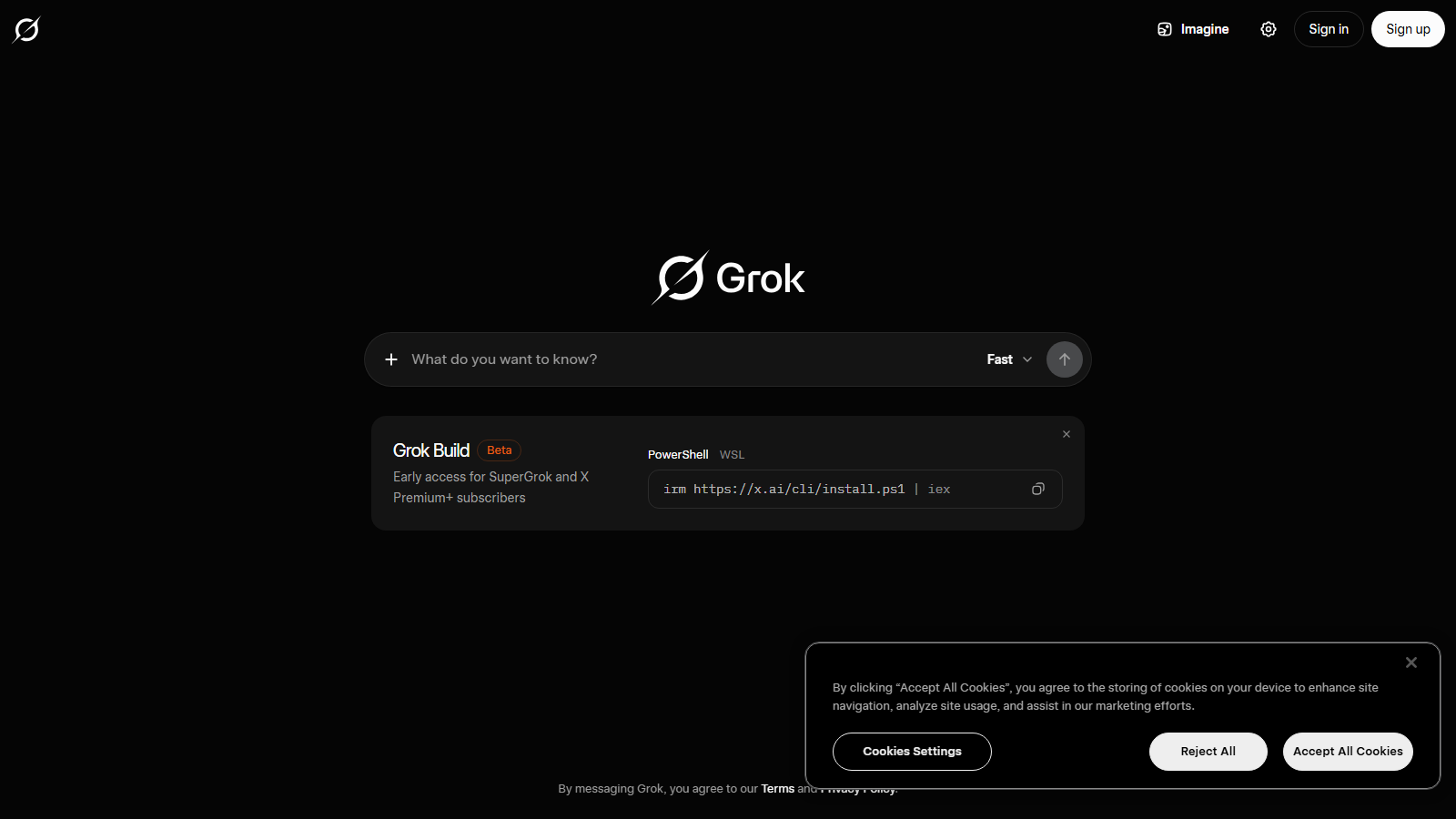
There are three main ways in. Go to grok.com in a browser, install the Grok app on iOS or Android, or use Grok inside X if you already have an account there.
The Free plan needs no card to start, seen July 2026. Pick whichever route matches where you already spend time, because your history syncs to the same account.
2. First steps after signup
Sign in, then type one real question you actually need answered today. A live research task works well, because it shows Grok fetching current information rather than repeating old training.
Ask it to show its sources. Grok can search the live web and X, so a good first prompt asks for confirmed facts, primary links and anything still unclear.
The fastest way to learn Grok is to give it one real job today, not to read every setting first.
3. The modes that matter
Grok is more than a chat box. DeepSearch runs a deeper web and X research pass, Think gives the model more room to reason before answering, and Voice lets you talk to it hands-free.
Grok Imagine handles creation. It generates images and video from a text prompt, and on paid plans it can produce HD 720p video up to 15 seconds. Try each mode once so you know which job it fits.
When to use which
DeepSearch: current research where sources matter. Think: harder problems that need step-by-step reasoning. Imagine: images and short video. Voice: quick questions while your hands are busy. You do not need all four on day one.
4. What are Grok's free limits?
The Free plan is generous enough to learn the product, but it is rate limited. You will notice caps on how many messages, DeepSearch runs or image and video generations you can do in a window.
When you keep bumping into those caps in a normal day, that is the signal to consider paying. Do not upgrade before you feel the limit, because the free tier answers most casual use.
5. Which Grok settings should you change?
Open settings early and look at the privacy and data controls. Check whether your conversations can be used to improve the model, and turn that off if you would rather keep your chats out of training.
Treat anything sensitive with care. Even with privacy settings adjusted, avoid pasting passwords, financial details or private personal data into any chat assistant.
6. When should you upgrade to SuperGrok?
SuperGrok Lite is USD 10 per month for higher limits. SuperGrok is USD 30 per month, includes Grok Build for coding and, seen July 2026, comes with a 7-day trial at USD 0 so you can test it before you commit.
Takeaway: get comfortable free first, then upgrade the moment a repeated task keeps hitting the limit. Start the trial only when you have a real week of work to put through it.